Square Retail POS

BACKGROUND
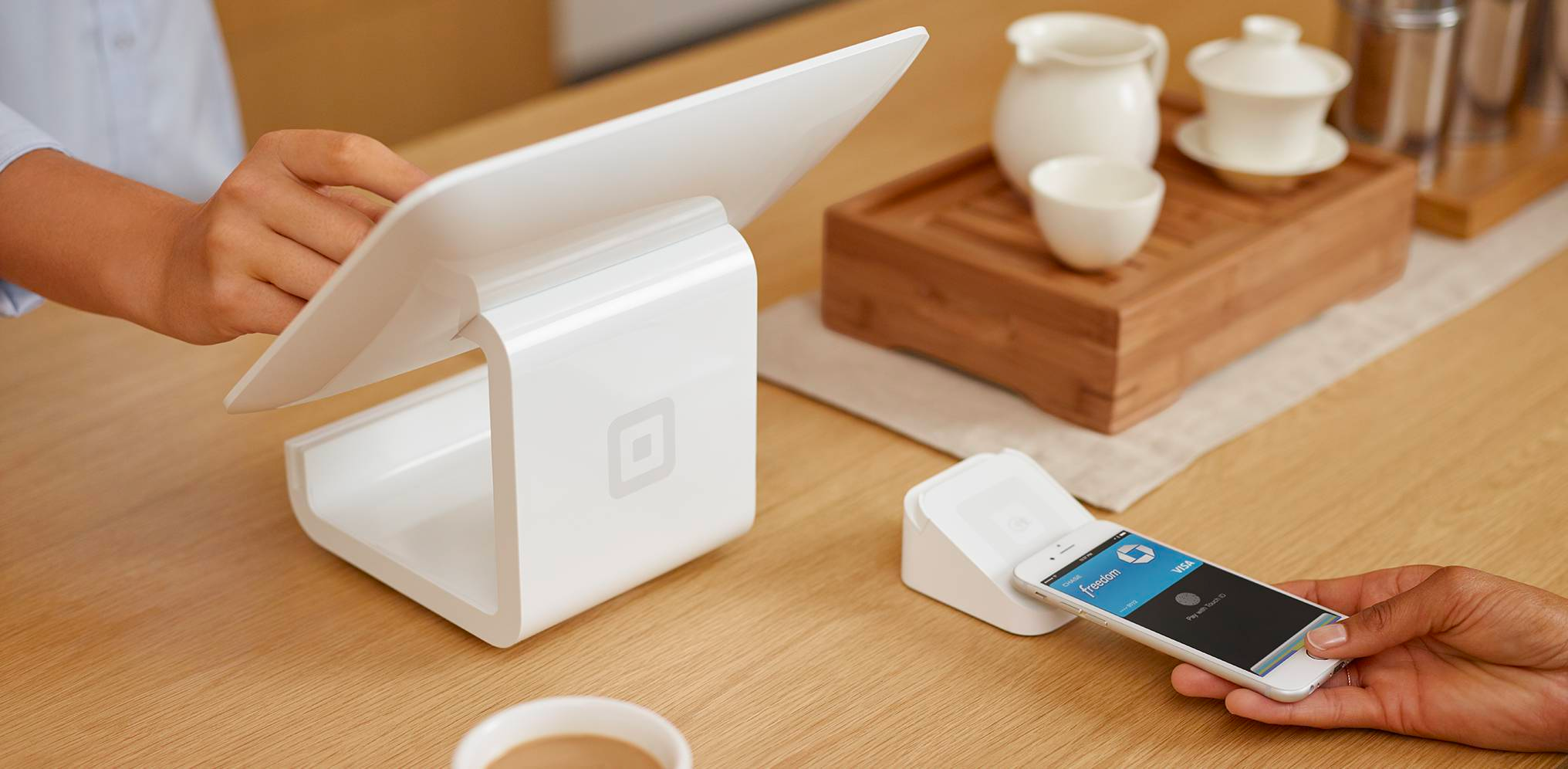
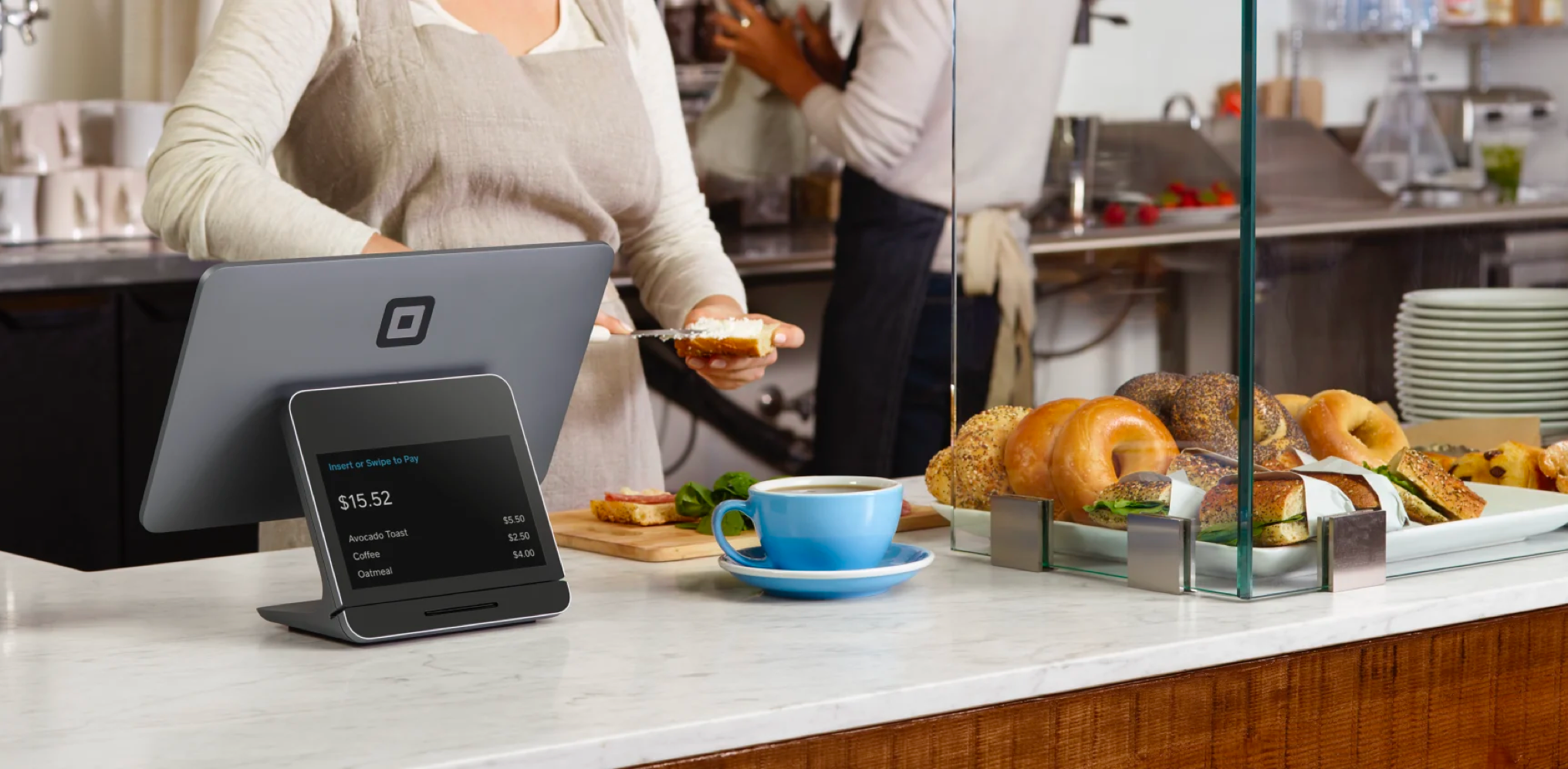
Hand-in-hand with Square’s Inventory Management web app is an industry-changing point-of-sale app for retail businesses.
While being involved in refining and evolving the Retail POS app, I also got a chance to collaborate and work closely with Square’s Design Systems team, as new components and patterns were introduced.
ACTIONs
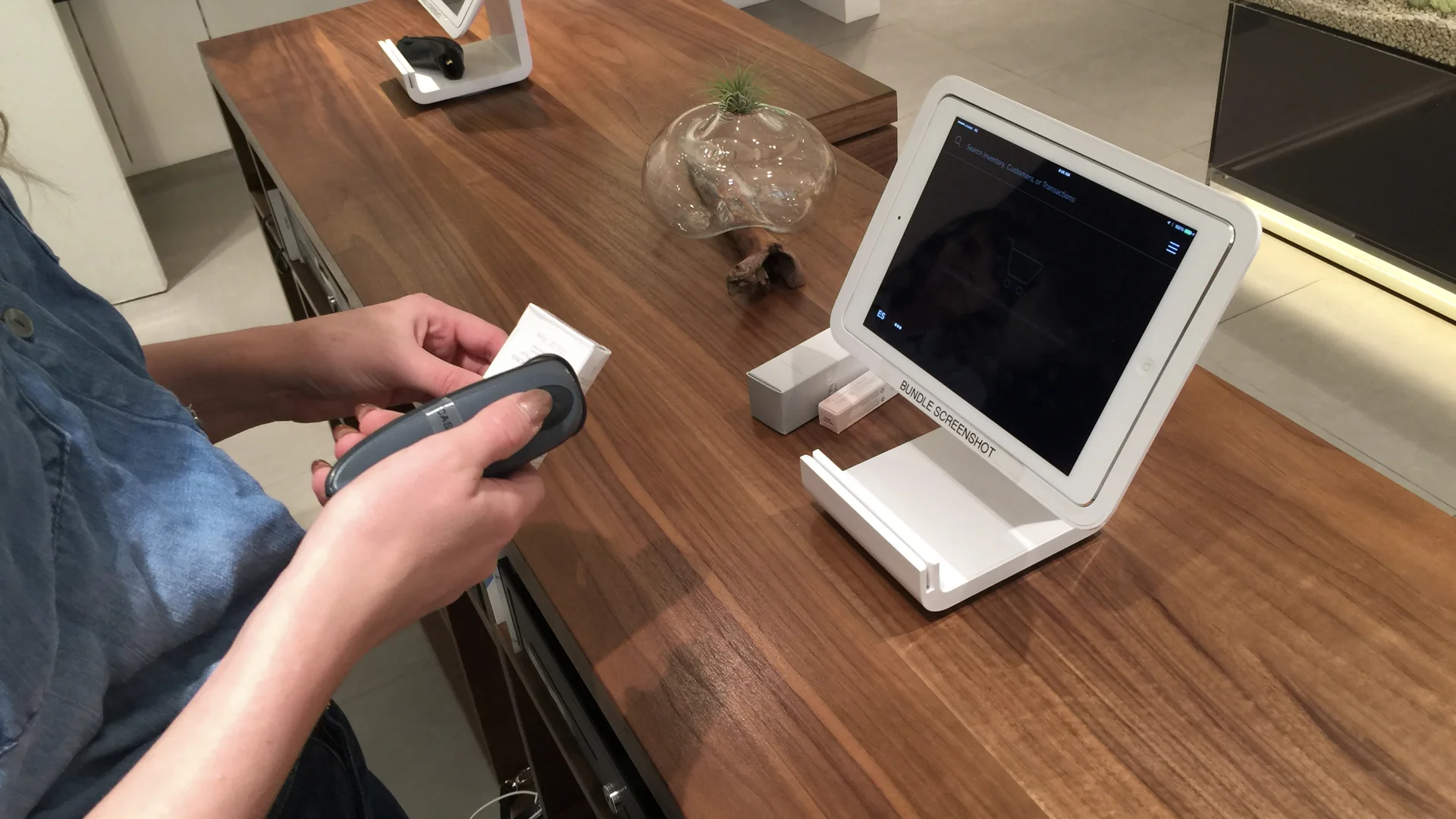
Along with our PM, we went to visit Square retailers on the “freemium” service to understand current workflows, workarounds, and desires.
Identified common pain points and needs of our sellers. Then planned out features with PM and lead Engineers.
When prototypes were in a good place, went to see some of our sellers for short feedback loops.
Internally tested out prototypes and fixed bugs and iterated.
SIGN IN SCREEN
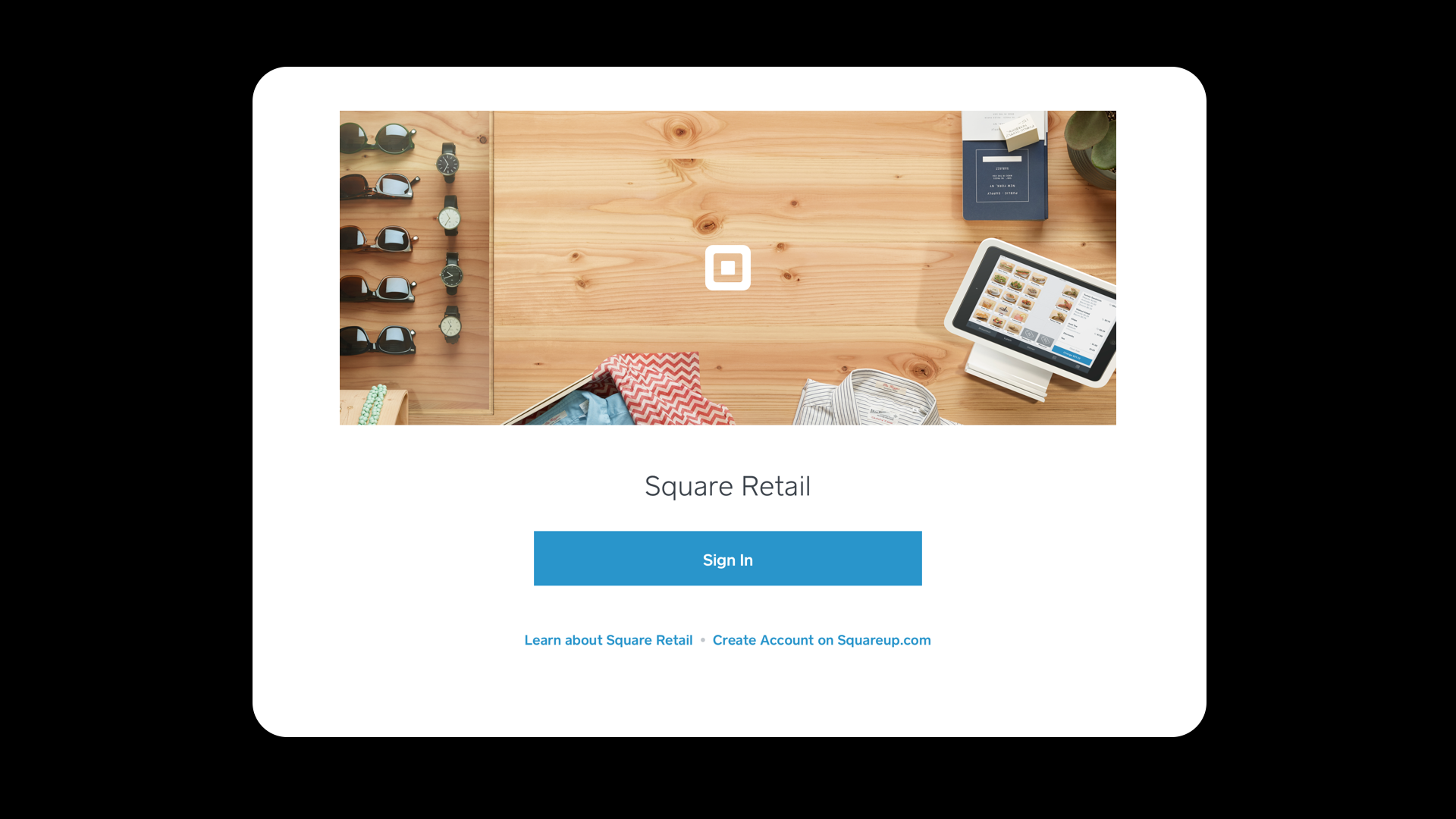
Here’s a sample of the welcome screen when the app is launched.
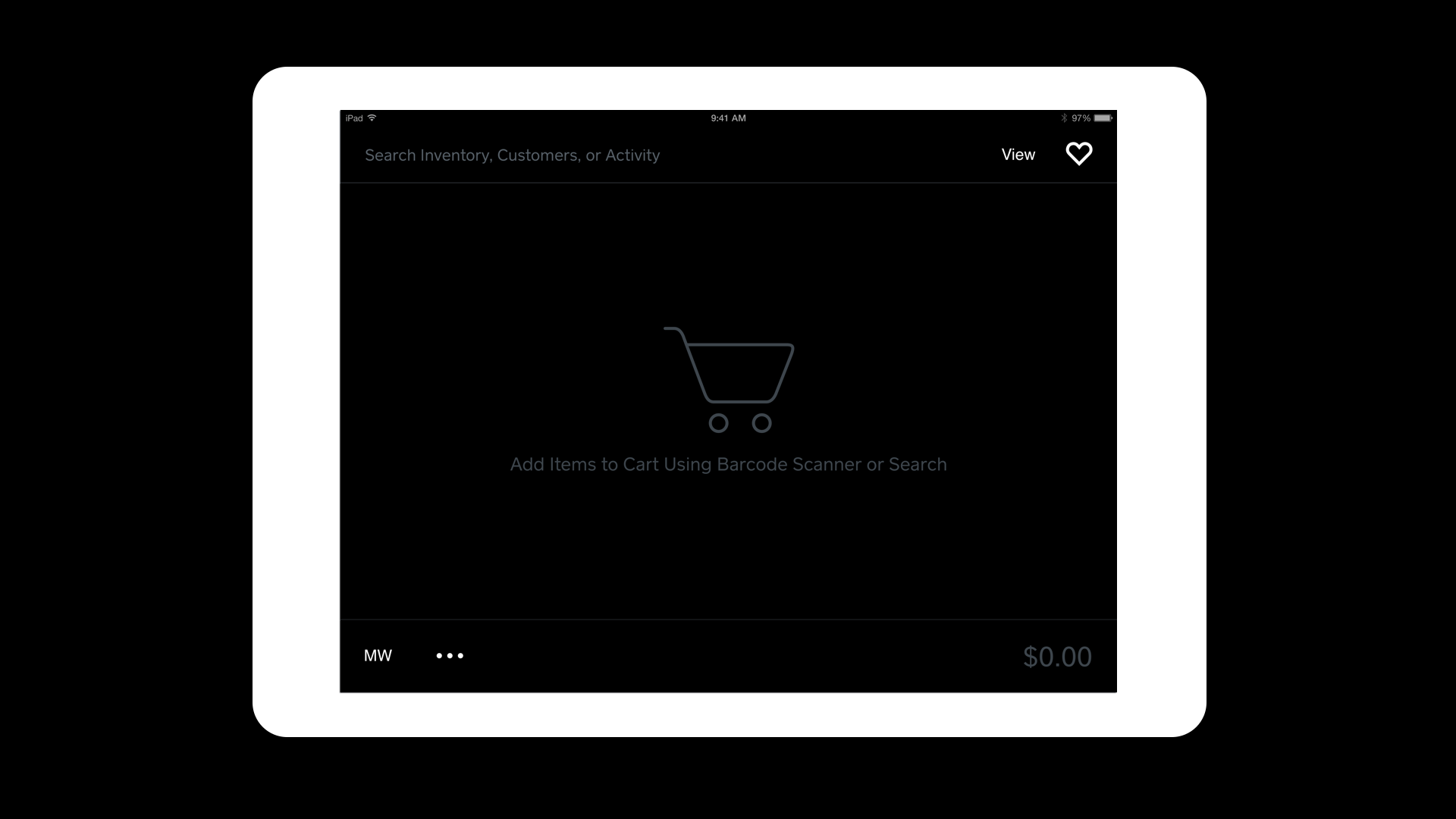
HOME SCREEN
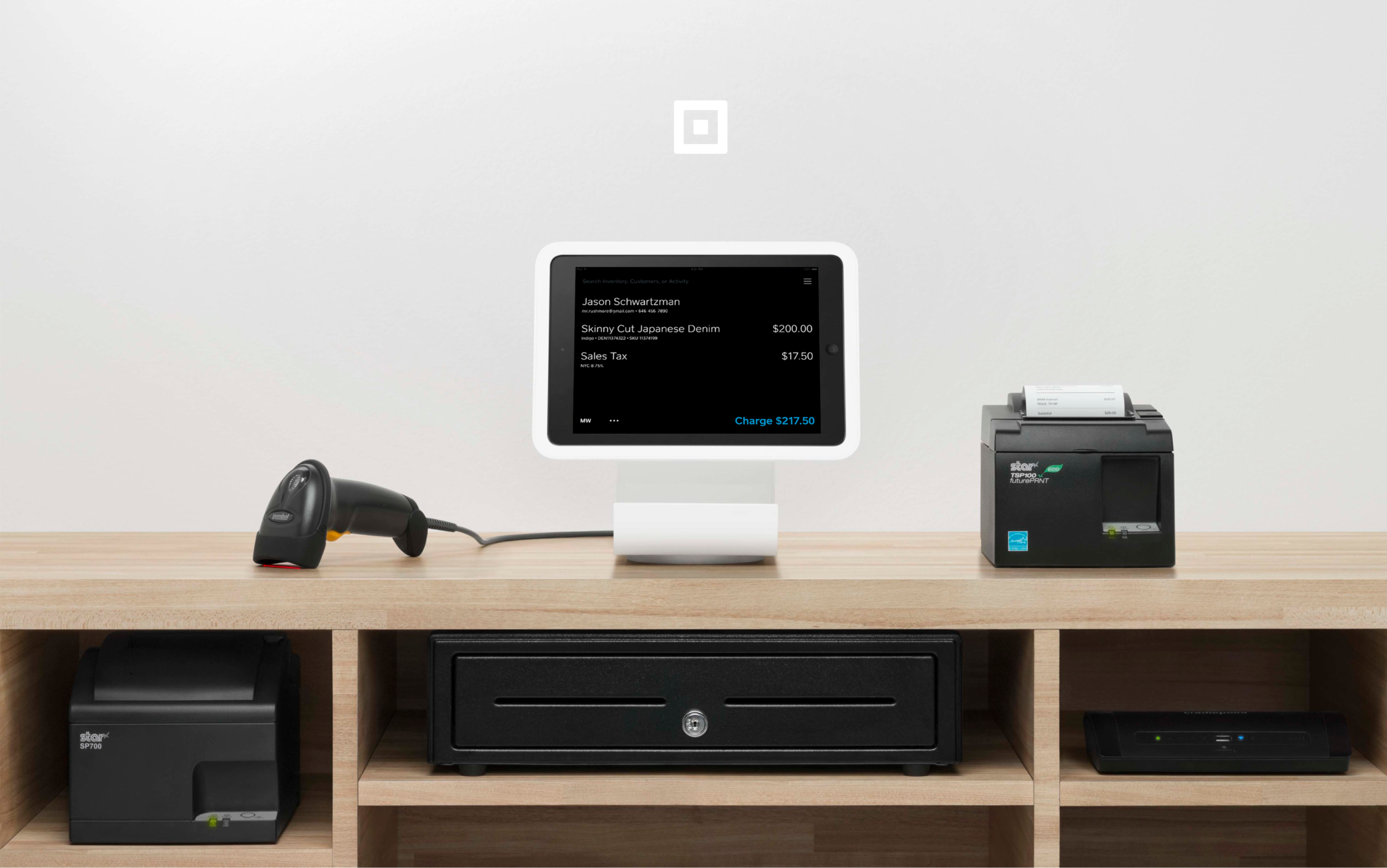
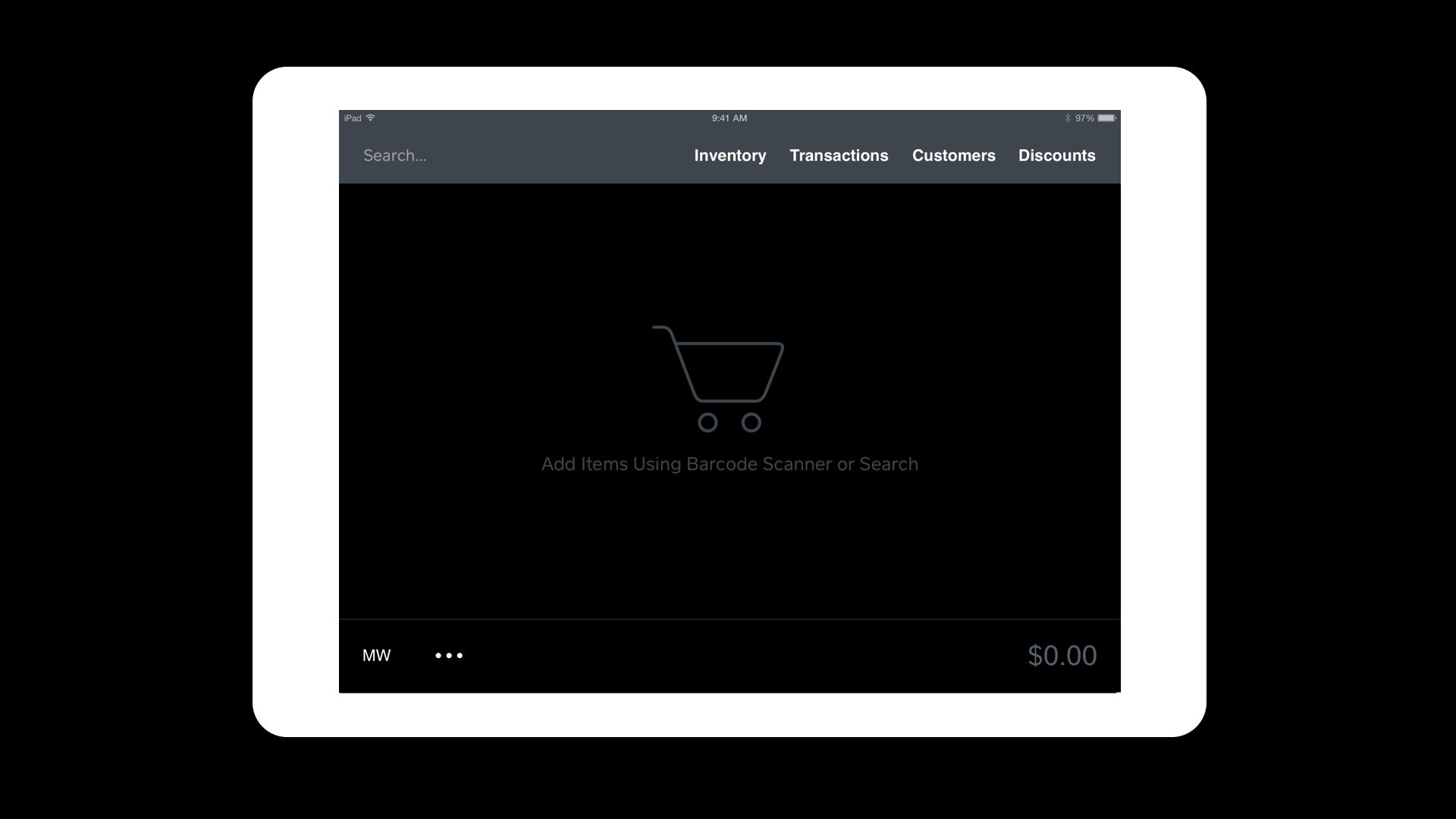
Based on our seller’s feedback, speed was key and a search based experience made the most sense and was well received. We essentially created a ‘cart’ homescreen to let our sellers easily build their carts via a barcode scanner or search. Many of our retail sellers have over 500 inventory items and having quick access to items via multiple categories was crucial.
The ‘dark mode’ was the preferred design for v1 as most of our retail sellers said it was less intrusive to the overall ambiance of their stores. We were working towards adding a ‘light mode’ and the ability to add product images in upcoming releases.
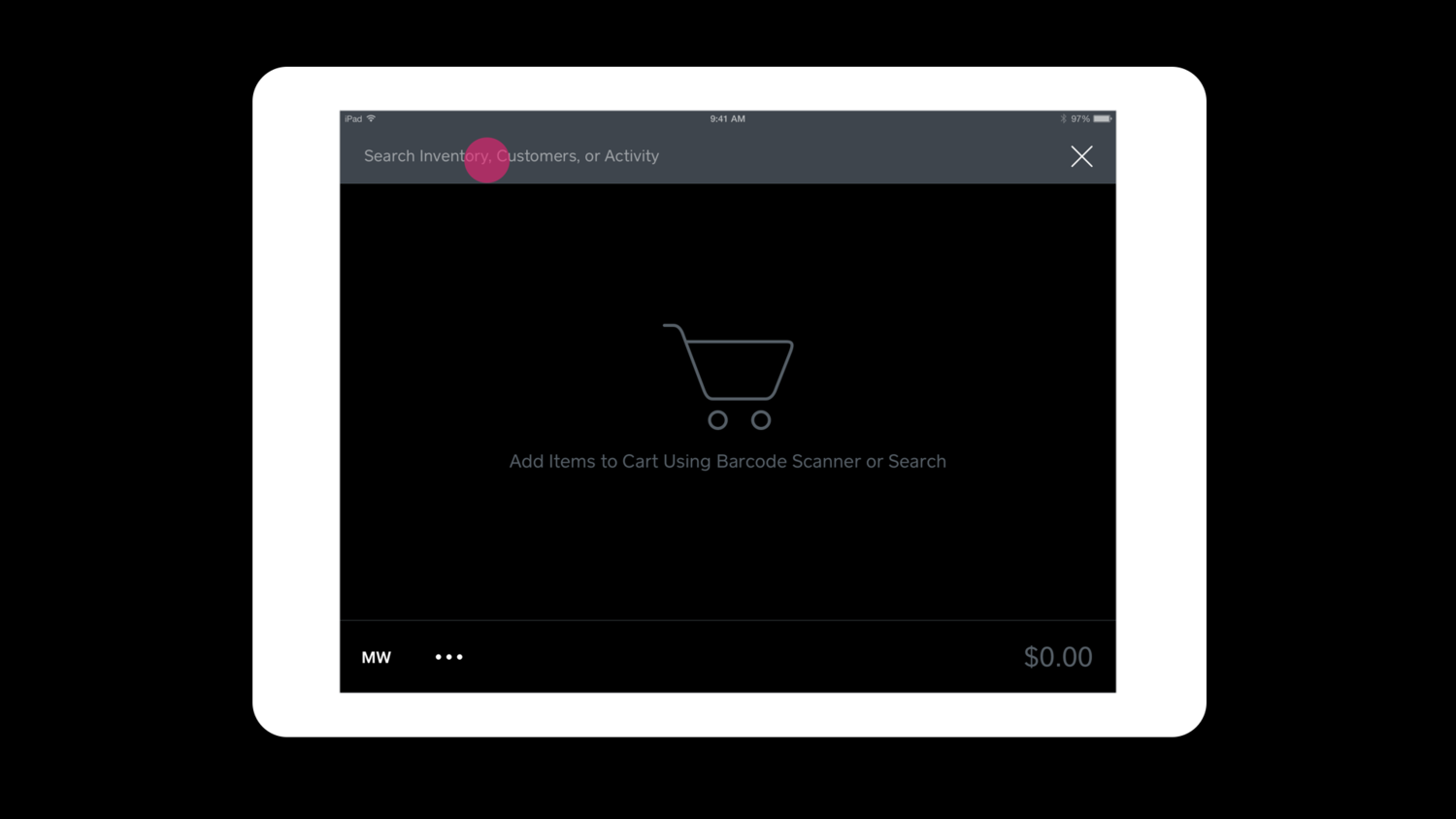
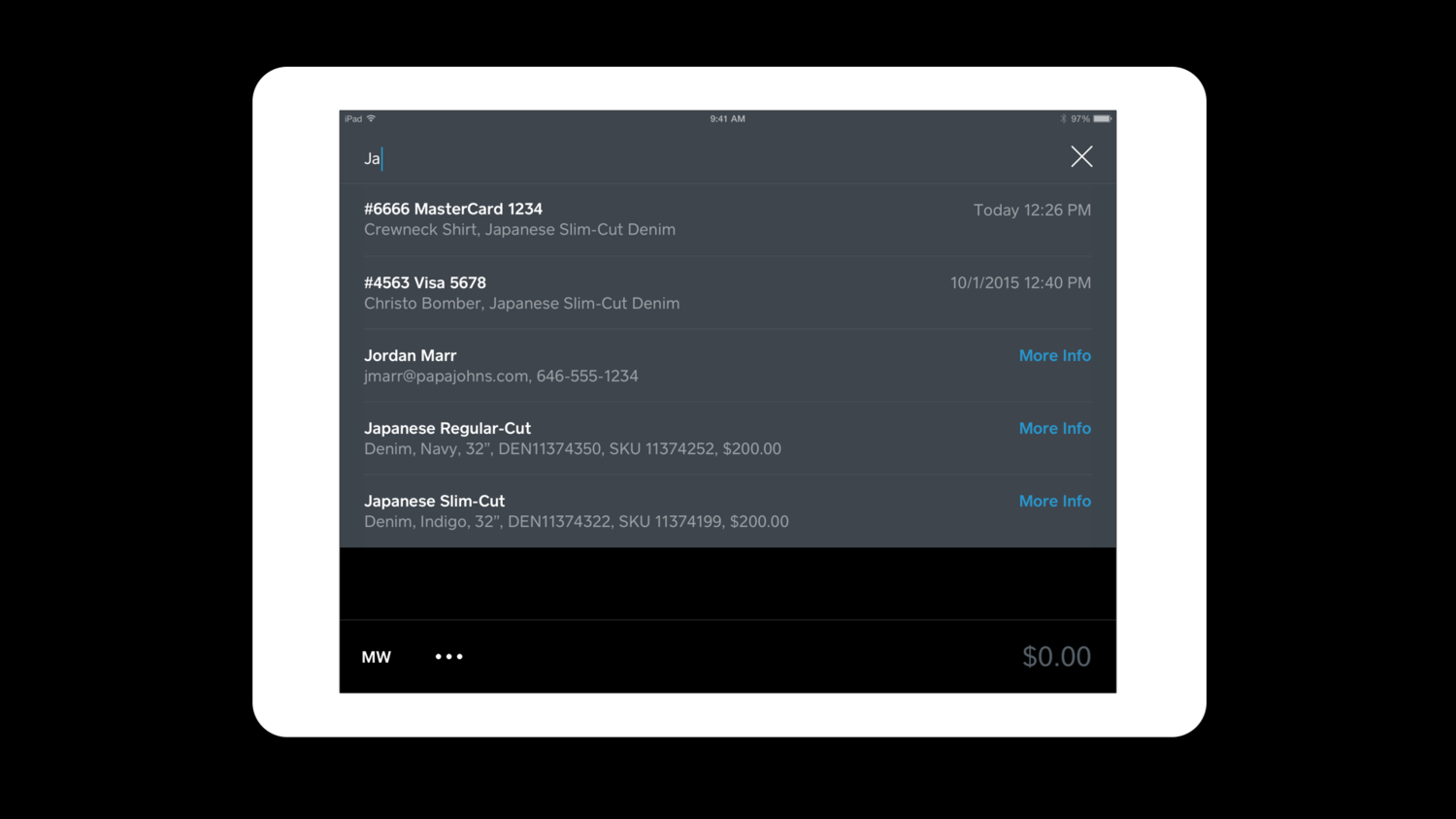
A smart search was integrated into the app, where sellers can easily type and search Inventory items, Customers, or past Transactions.
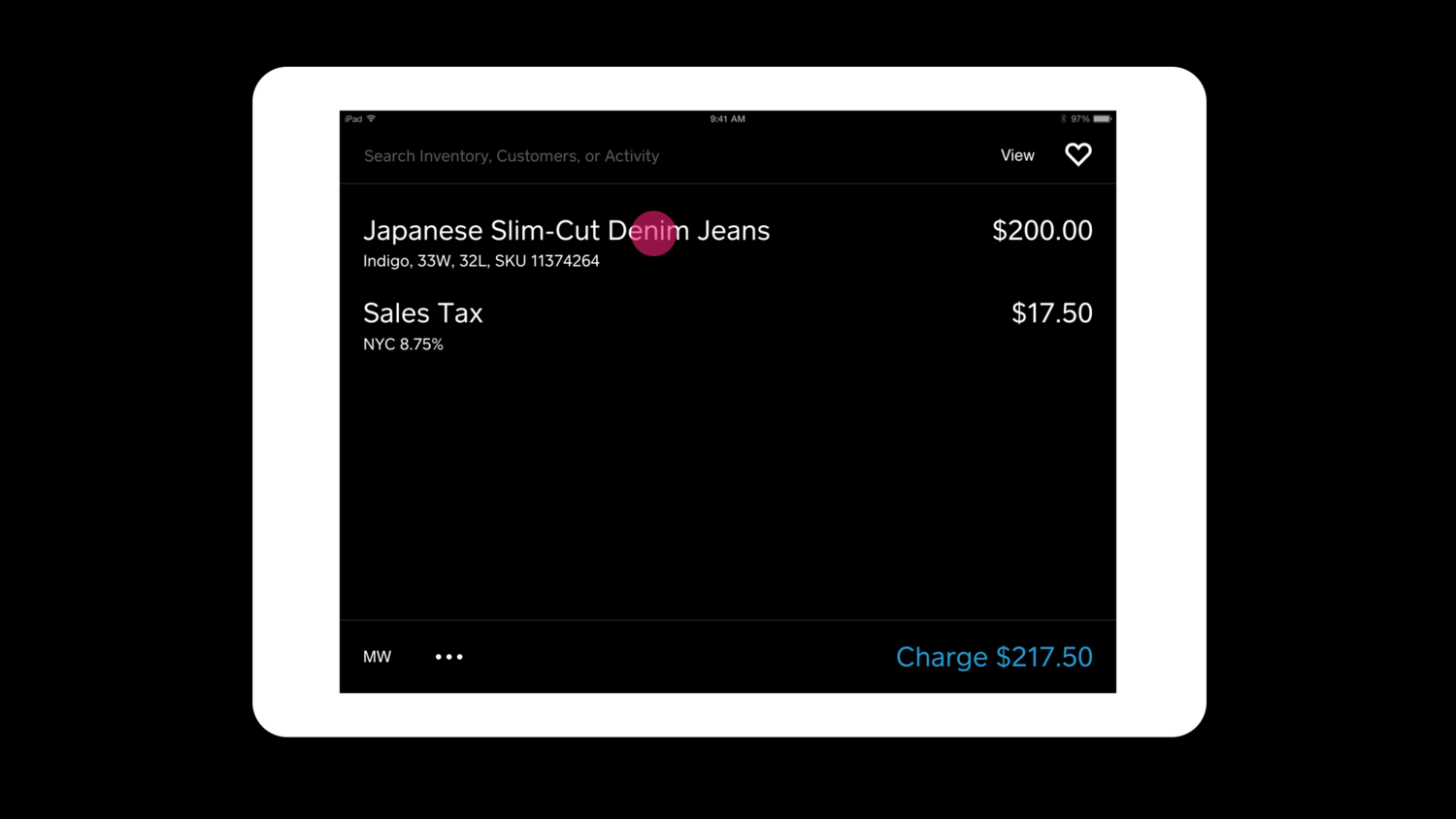
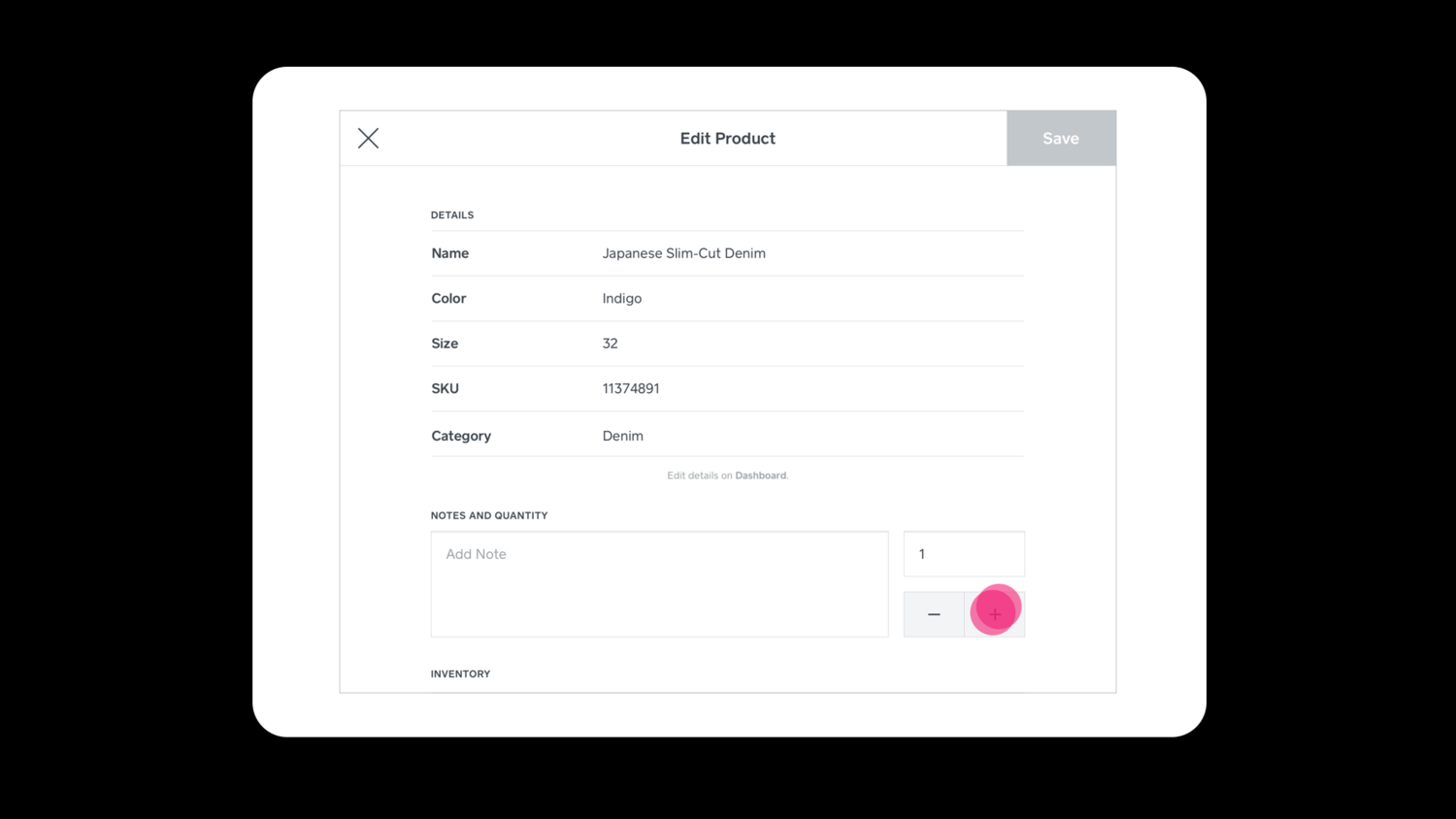
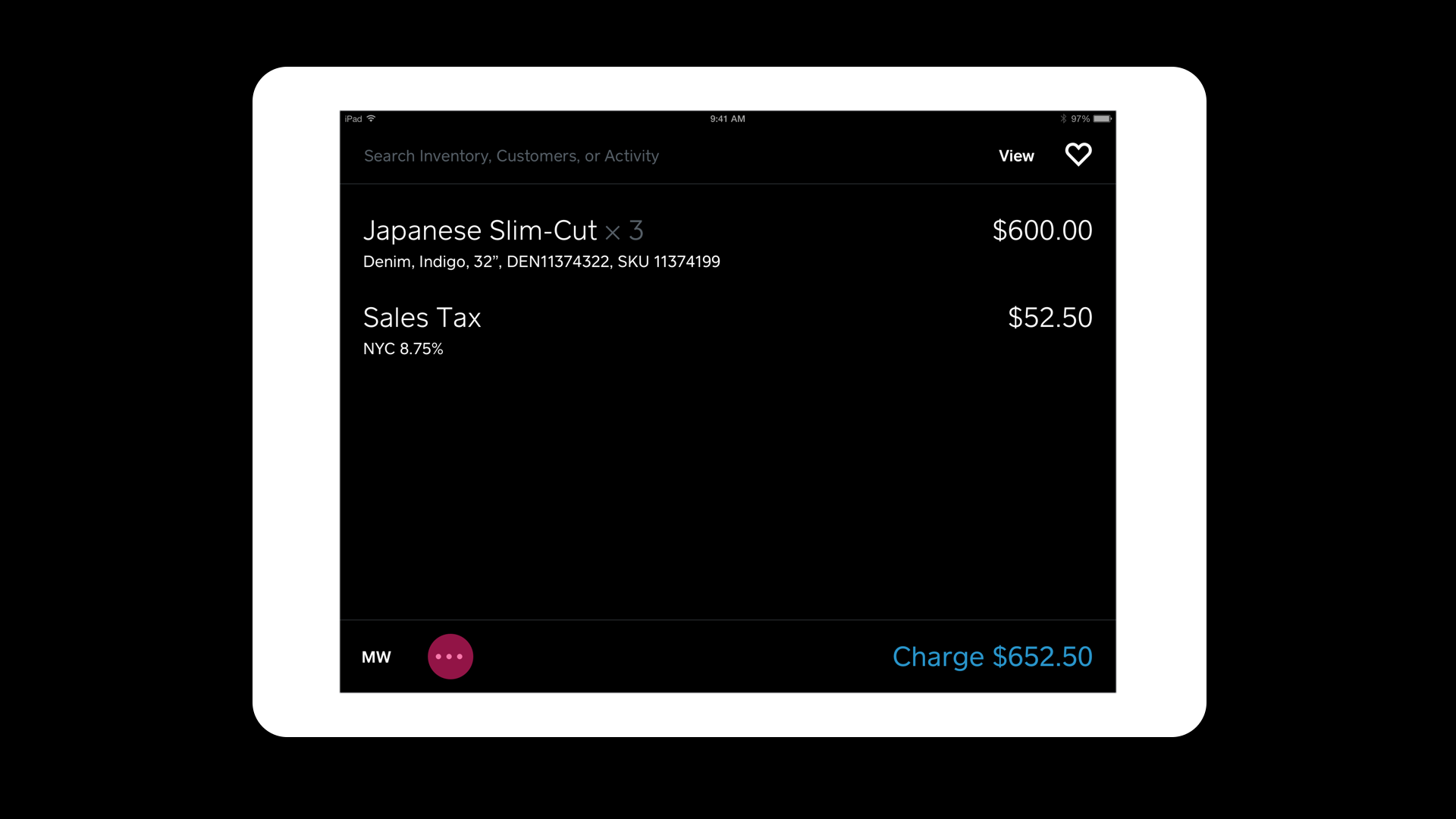
Once an item was placed in the cart, tapping on the item would bring up its detail page.
Seller’s could easily view details and edit quantity, add notes, and view inventory statuses.
While the smart search was the primary action on this app, on the ’more actions’ menu, sellers wanted a quick way to access all the supplementary functions.
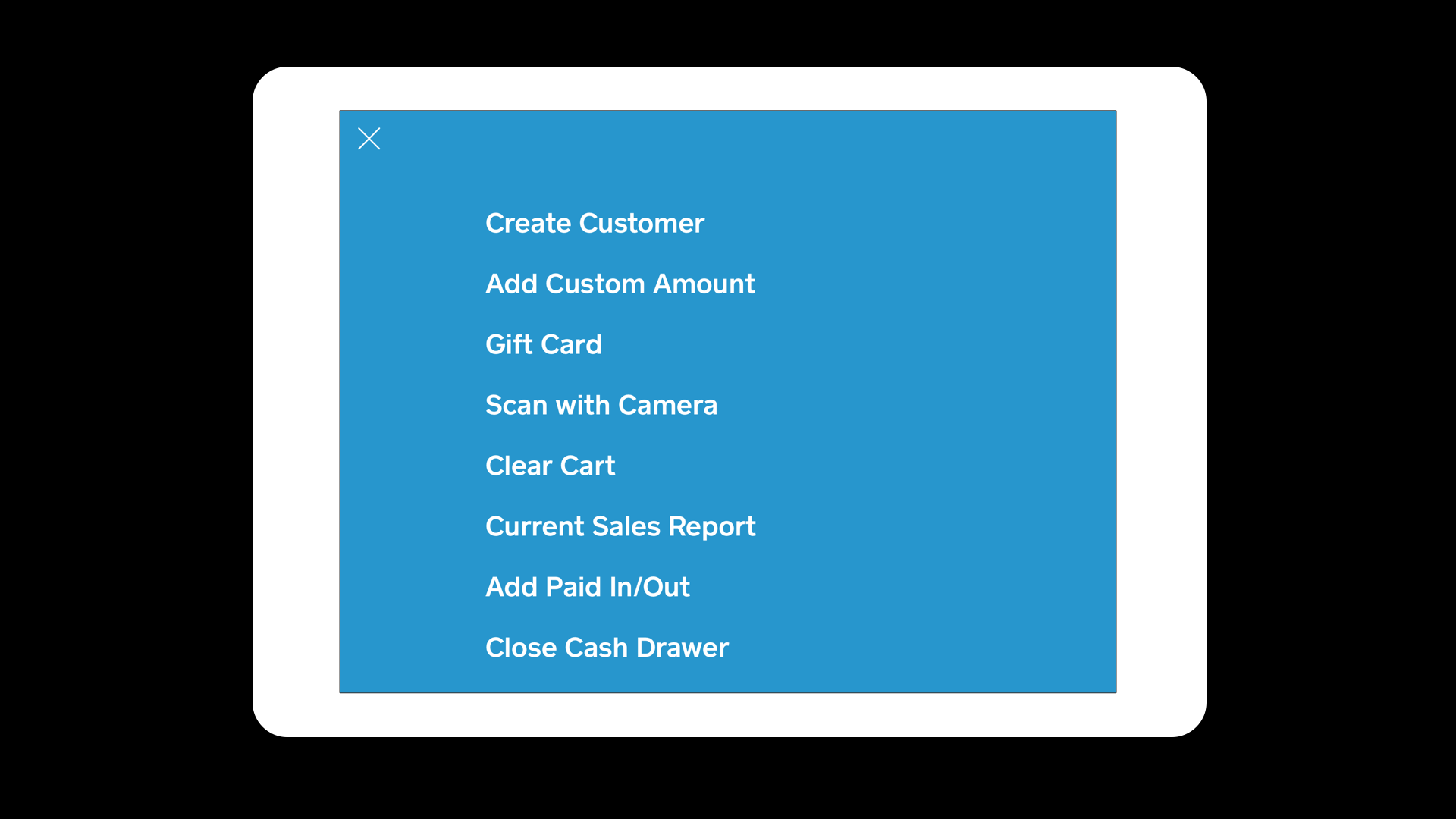
Sellers preferred spelt out menu items which was easier and quicker for them to navigate around. They kept saying “we don’t have time to learn the app or we’ll lose business.”
Categorization was essential for search as well and these 4 buckets were the most needed for our sellers.
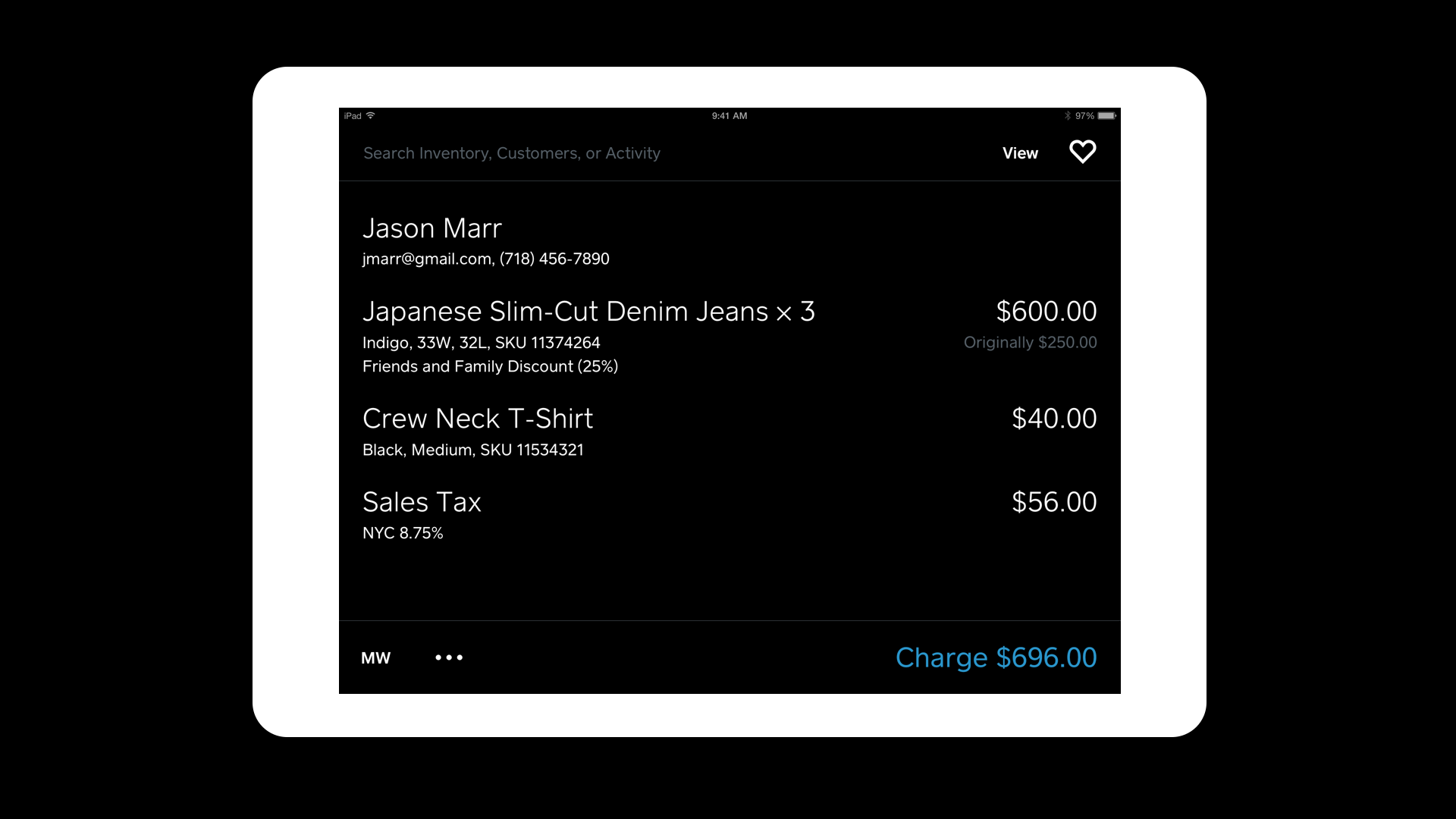
A sample cart that’s ready to be rung up.
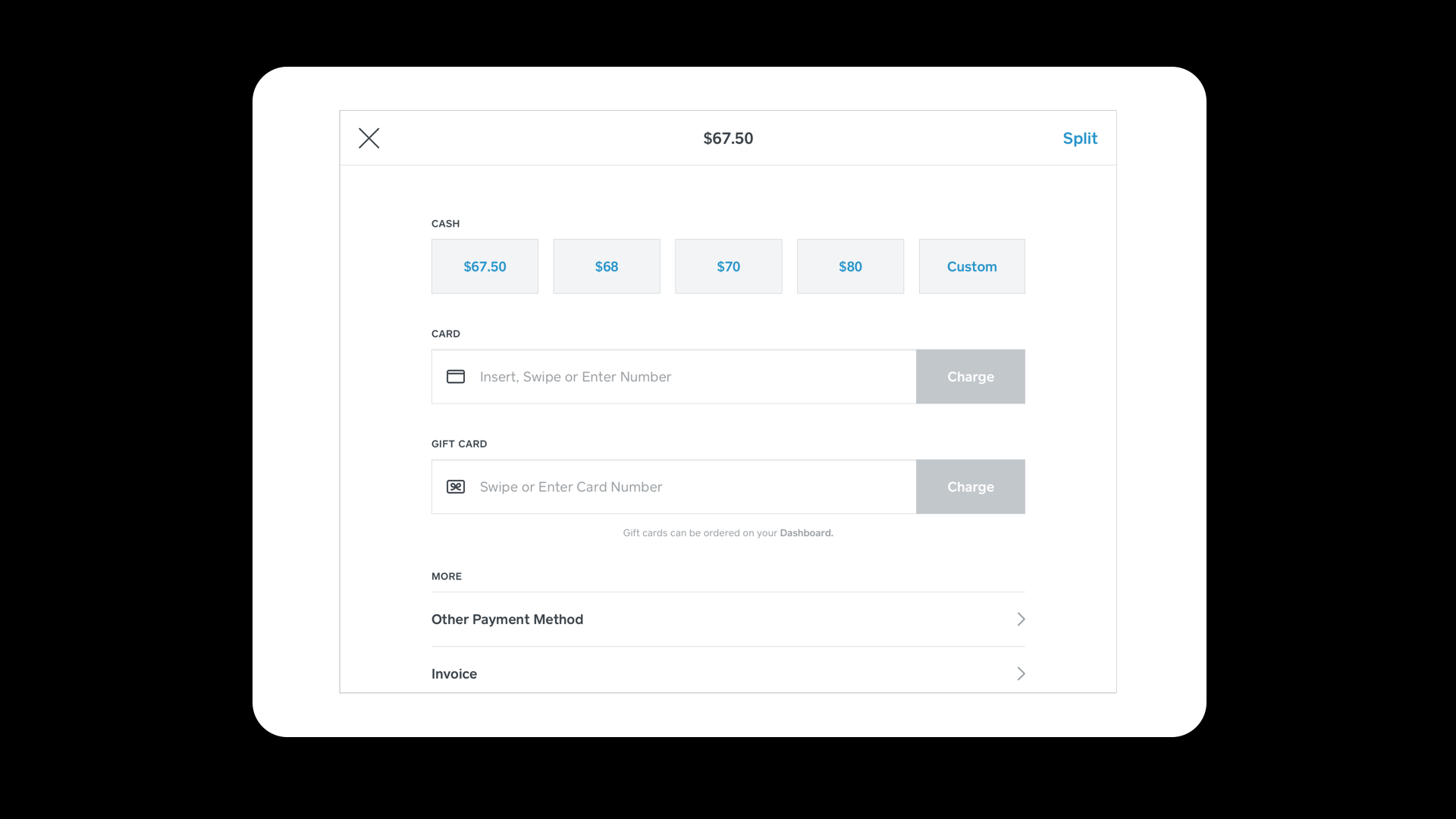
Sample payment screen which was re-purposed from the freemium POS app.
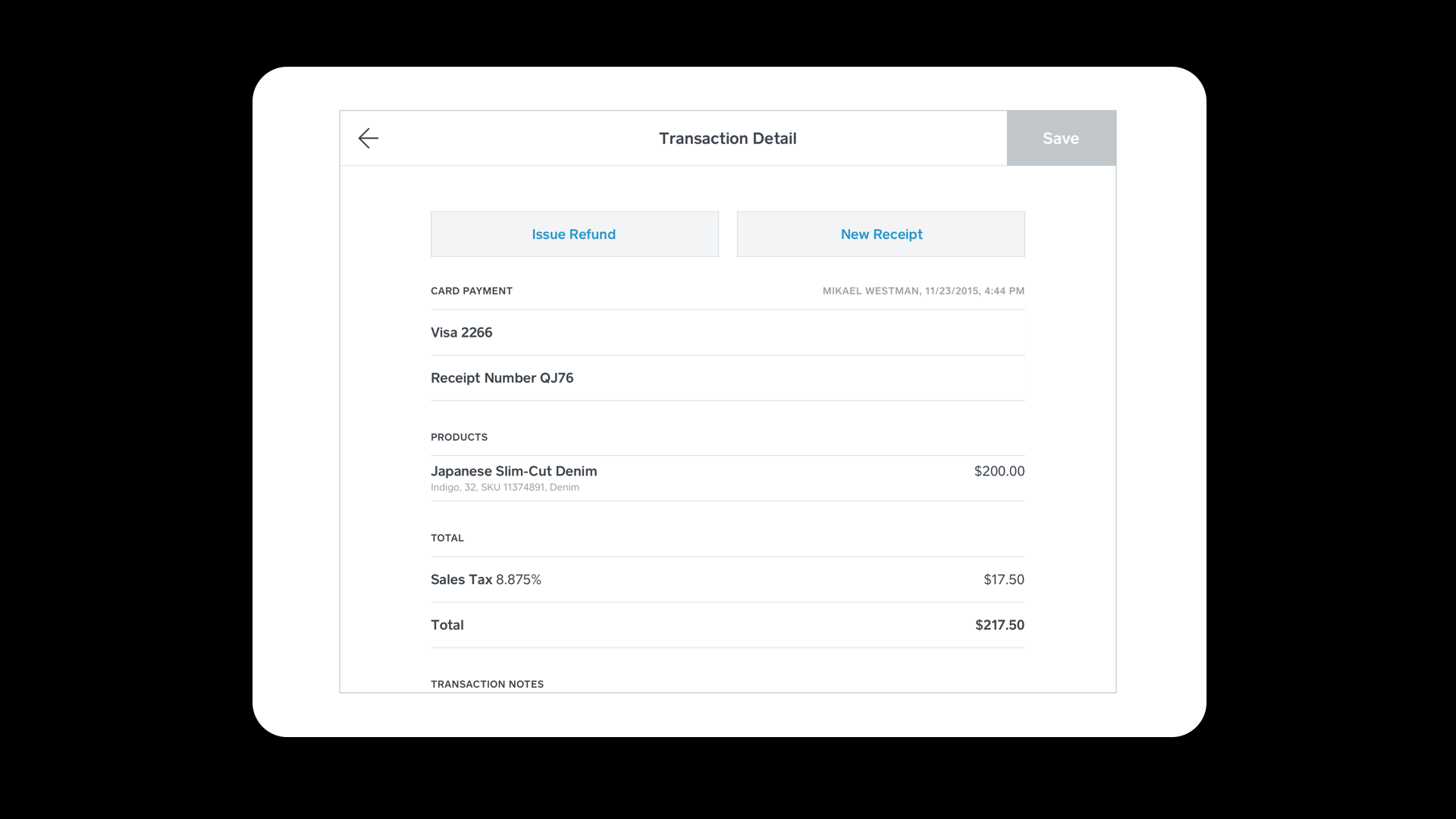
Sample transaction detail page where refunds and exchanges (post MVP) could be initiated, as well as print or send receipts.
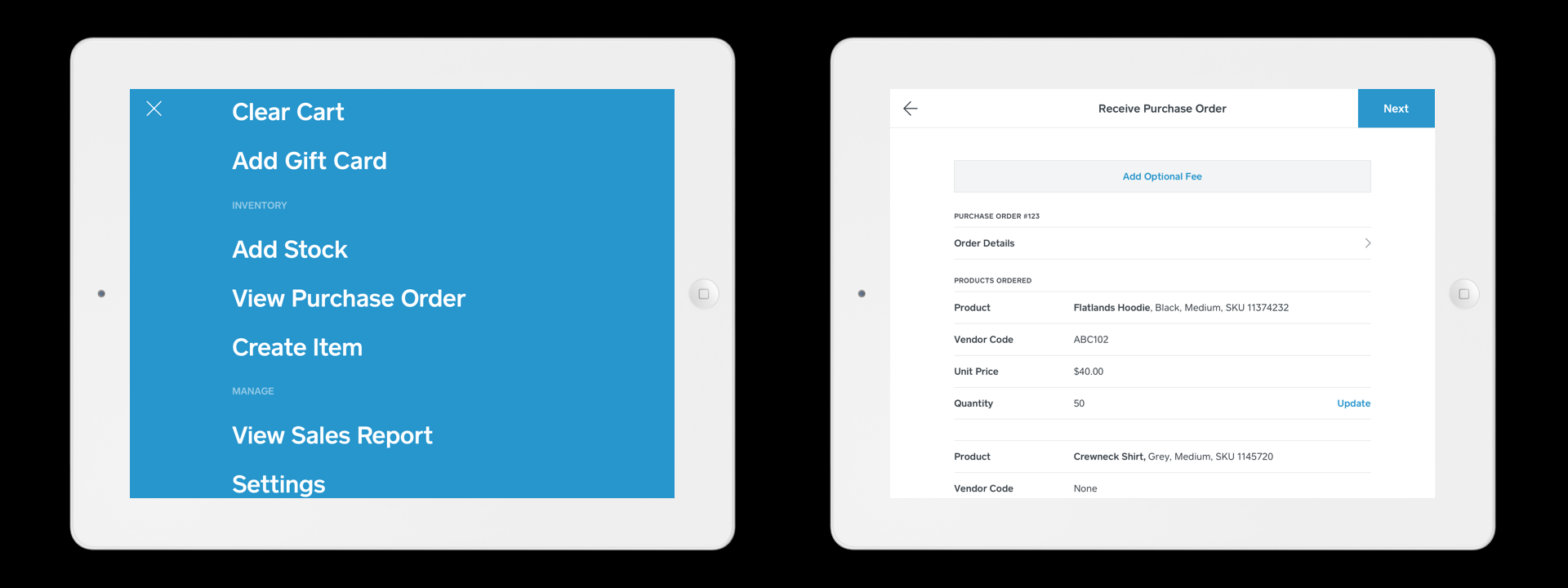
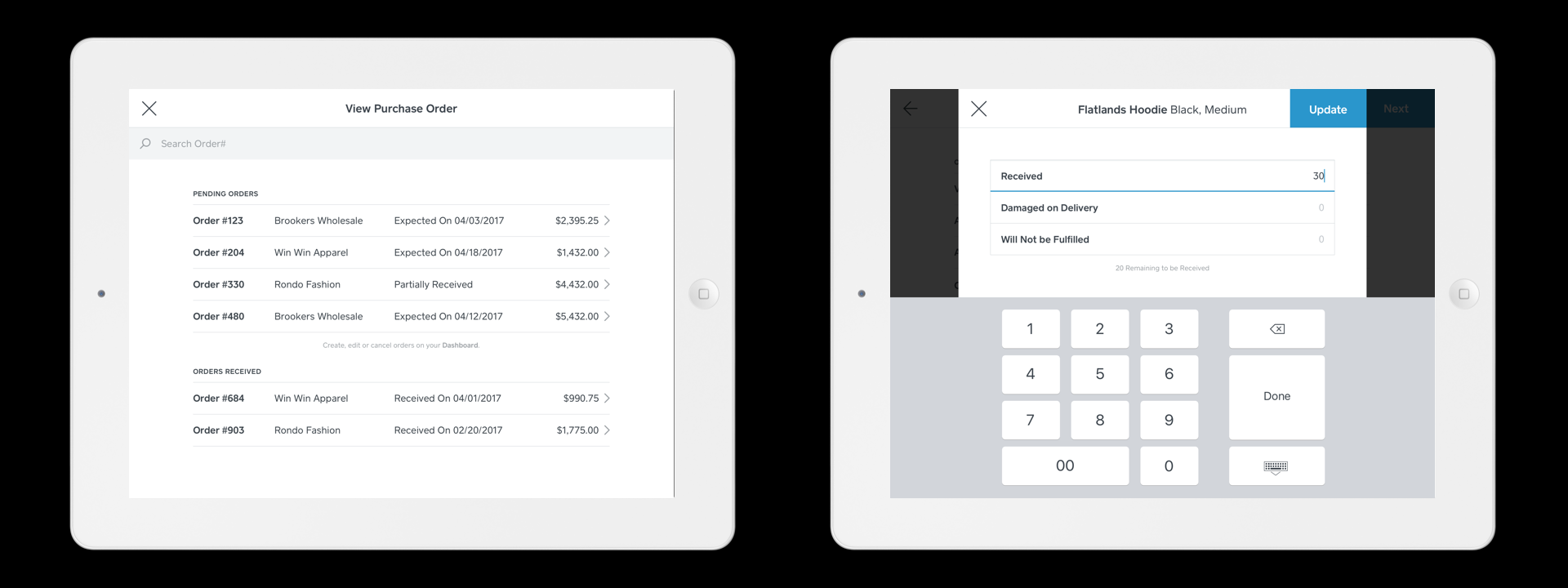
Post MVP features
As we were scaling our app, we started to build out inventory management features such as receiving Purchase Orders that were already accessible on the dashboard (web app). Our sellers wanted flexibility to have these features on the POS.
DESIGN SYSTEM- Square POS
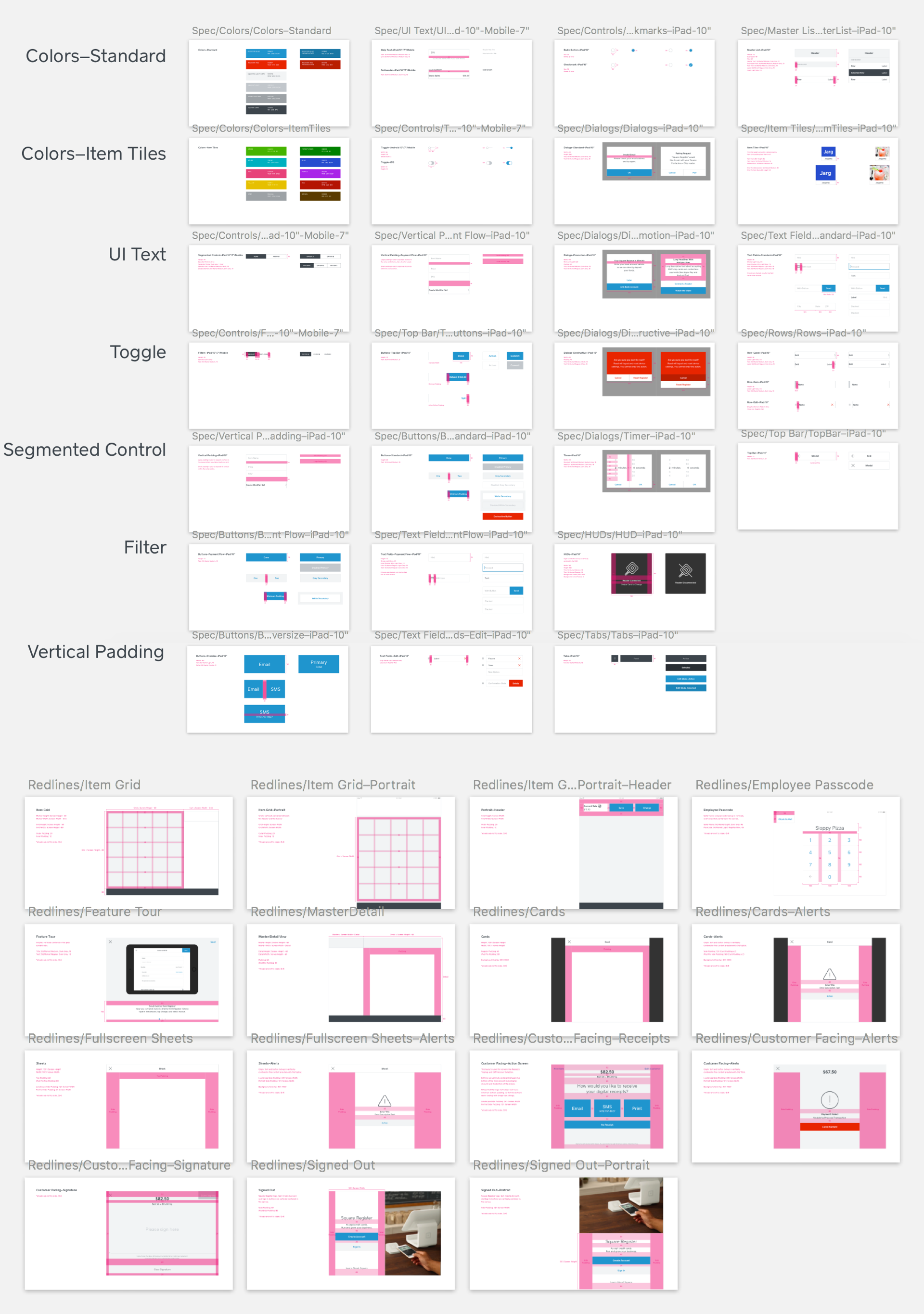
In conjunction to designing the Retail POS app, it was pivotal to sync up with our design systems designer as we were introducing new components and patterns. We documented best practices that catered to existing, in-build, and near future products.
One of our main objectives was to work with our engineering partners to build our own components/ patterns and not rely on native UI elements to promote a delightful experience that kept the integrity of our brand.
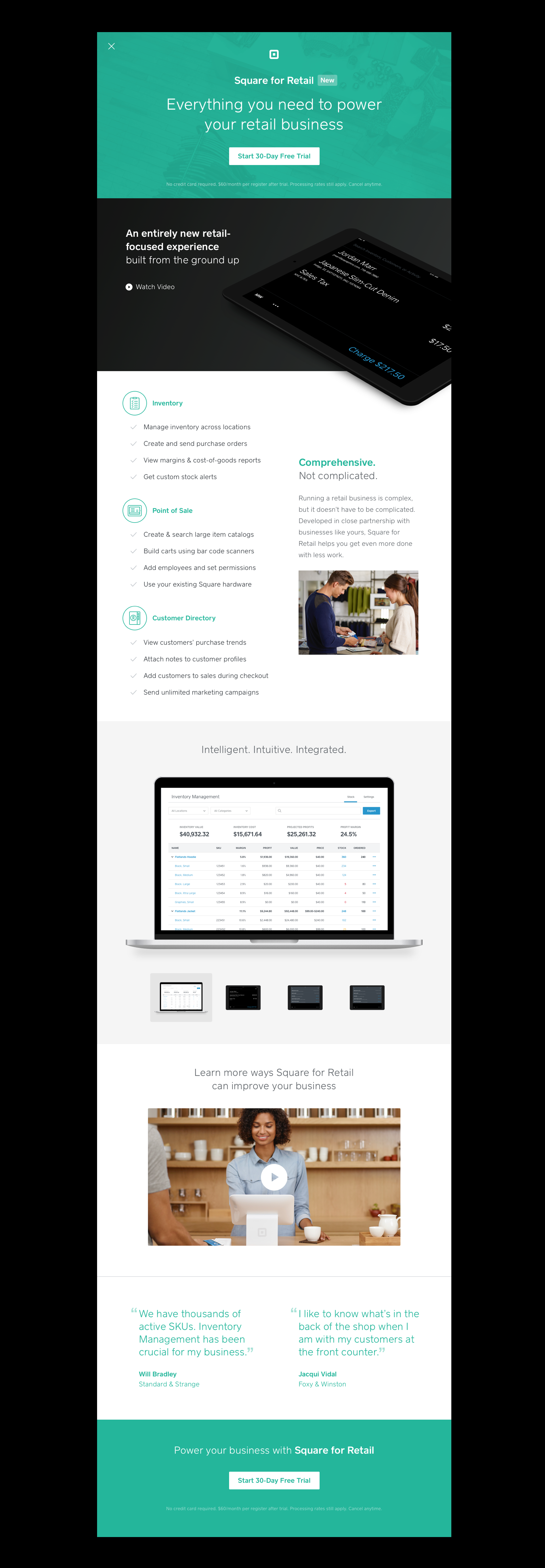
‘LEARN MORE’ PAGE
Since this was a new product with many offerings, we wanted to clearly point out the new features that the existing freemium service would not offer. We also got a chance to design this page, instead of our marketing team since it lived within our app. There was a separate public facing learn more page which the marketing team handled.
For some of the content, we worked together with our marketing team to storyboard out the video to sell our product and brainstormed with the monetization team to come up with an ideal pricing model.