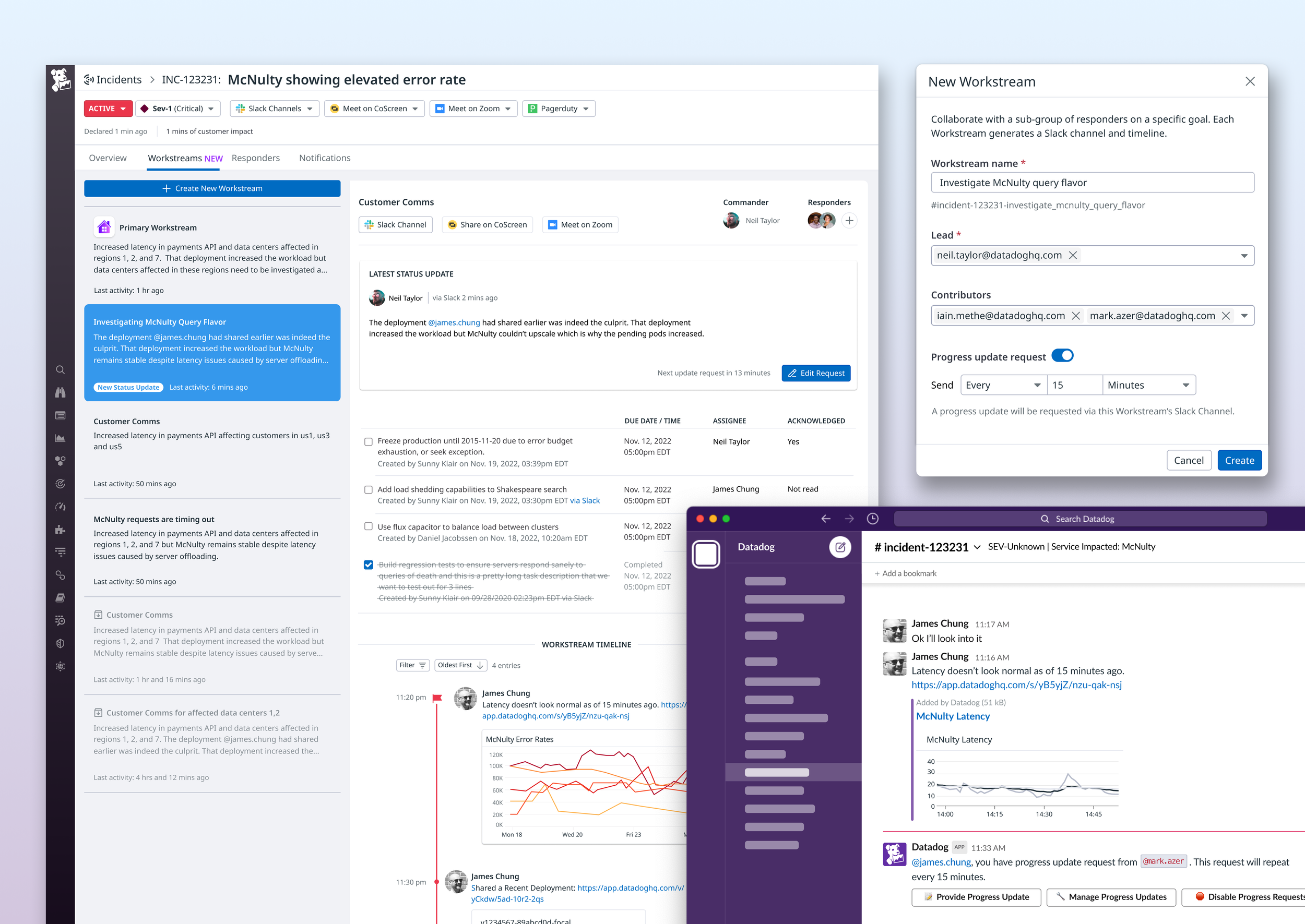
Datadog Incident Management- Workstreams
Role
Lead Product Designer, UX Research, Prototyper
Platform
WebApp, Slack UI
Shipped
November 2024 (Beta)
CONTEXT
At Datadog (Cloud-based monitoring platform), I’ve been the lead designer on the Incident Management product which is a tool for engineers to investigate and track technical incidents, while collaborating in the product and on Slack to troubleshoot and resolve issues. Team consisted of myself, 1 PM, and 7 ENGs.
PROBLEM
After we GA’ed the Incident Management product, we talked to customers to get feedback and provide support for them and one feature request came up frequently, which was the ability to keep track of multiple workstreams that required different teams in 1 incident, so we ended up calling this feature “Workstreams”.
SOLUTION
This feature became very important to our top leadership and we involved them often throughout the design process to launch Workstreams.
PROCESS
Vision/Goal alignment with stakeholders
Persona Mapping
Sketches
Wireframes and Prototypes 🔁 Validation
Visual Design
Vision / Goal Alignment
In the beginning of a project, I always find it vital to get together with our cross-functional partners (PM and Eng Lead) to define the goals of the project and make sure we’re all in it together on the path forward. Once this is established, I presented the goals to the team as well as to the VP of product during a 1 on 1 sync.
Design Goals
Help ICs (Incident Commanders) track and triage multiple workstreams within a parent incident to resolve rootcauses more quickly and efficiently
Guide Responders to jump into a specific workstream to help resolve issues pertaining to the parent incident
Business Goal
Help customers reduce MTTR (Meant Time To Resolution) of incidents to increase sign ups and revenue of product as a whole
PERSONAS / USER FLOWS
Once project goals have been aligned, I ran multiple research sessions with internal SREs to verify their workflows and dug deeper in their mental state during the different phases.
Below, is the typical user journey of the holistic incident experience while the flow below it illustrates workflows for different personas pertaining to this new feature.
SKETCHES / LO-FI PROTOTYPE / CONCEPT REVIEW
Next, based on my intuitions and experience from talking to internal engs and customers, I sketched out some initial ideas and shared them with my core team - PM and lead Eng. We then agreed on a direction and I quickly mocked up a lo-fi wireframe and prototyped it out and shared it with senior stakeholders.
ROUND 2 WIRES / PROTOTYPES / VALIDATION
Based on the above concept(prototype), senior leadership was excited that this feature may be a market differentiator and gave us the green light to invest more resources to really elevate and make this feature more robust, while building it quickly.
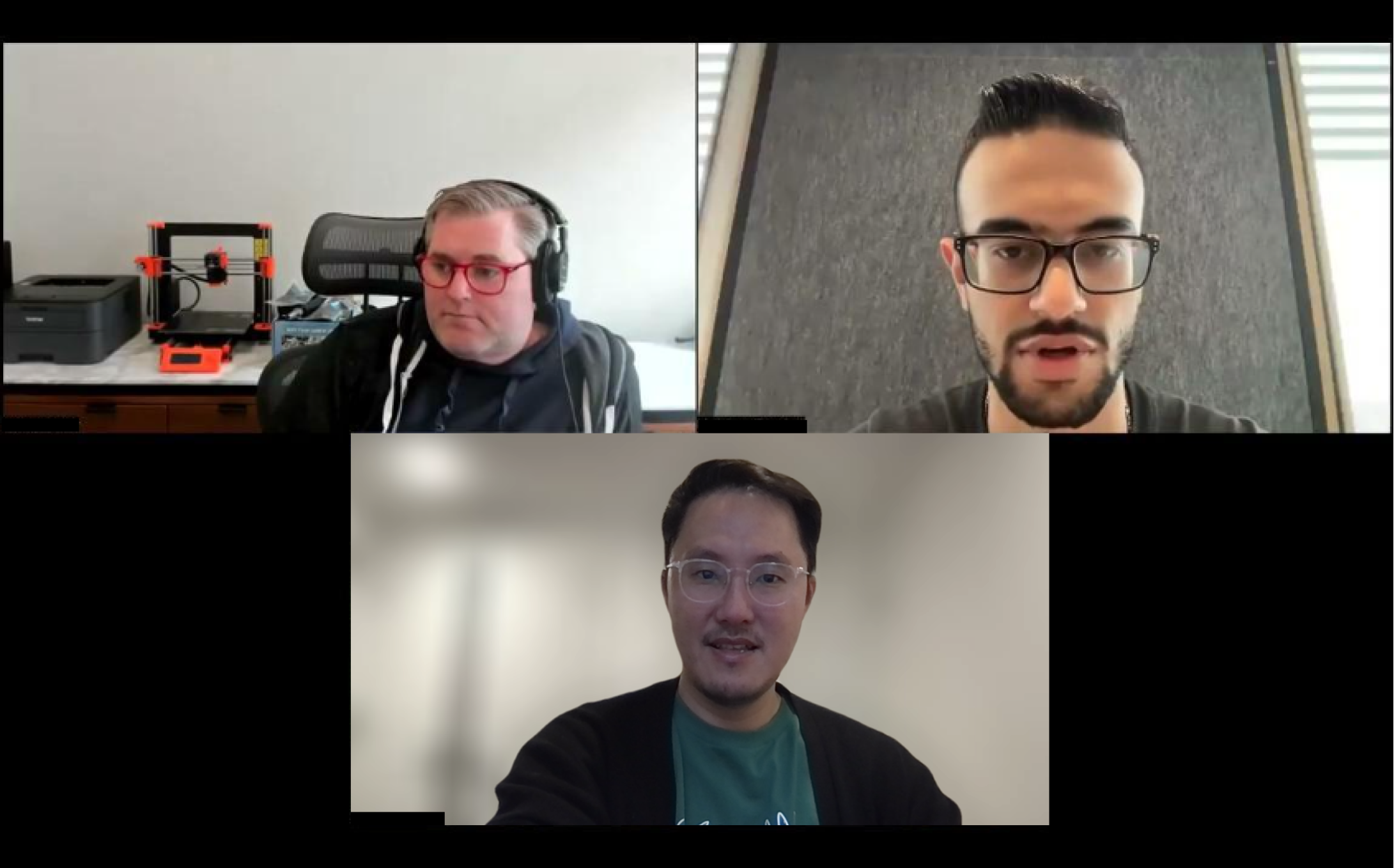
We then proceeded to test hi-fi wireframes and walked through a prototype→(feel free to play with it!) to validate UI concepts and feature preferences with a realistic narrative.
KEY TAKE AWAYS
Majority of the users preferred the card-based collaboration UI, as it gave more screen real estate for each Workstream’s detail with one less click and UI worked better for most incidents
A few users preferred the column-based collaboration UI, as it gave user’s a better bird’s eye view into what’s going on
Column based approach felt like a great framework for complex incidents but rarely for simple ones
For MVP, as we assessed all the feedback, the team aligned on prioritizing single channel view designs over multi channel ones as most of our customer-base was small, medium sized orgs still
As we scale, and sign larger orgs, our designs will be flexible enough to evolve and address multiple channels and highly complex incidents
PRODUCT SUCCESS
After thoroughly testing out with 12 beta orgs, we GA-ed the feature and within a quarter, grew our customer base by ≈20% which we attribute greatly to this feature
Progress Updates and Task Management features continues to show high engagement, task completion rate was up ≈24%
Customer satisfaction (NPS) score was up, with many survey feedback praising our consistent check-ins to address their current and future needs
Leadership wanted us to include more OKRs pertaining to Workstreams and scale
We’re currently designing out and building an onboarding experience to bring more awareness and guidance to set-up and utilize the new feature
POST LAUNCH - AI FEATURE
While monitoring usage of our MVP, we worked on enhancing the UX for our customers to quickly resolve incidents by introducing an AI feature to smartly summarize and create quick, organized postmortems:
WHAT I LEARNED
Having gone through a high-stakes project like this- with constant stakeholder feedback coming from all angles in sporadic times, while required to move fast, I learned that:
Setting more consistent and frequent stakeholder reviews would have helped and sometimes it’s ok to ask design leadership to help round up all the major stakeholders that need to be there
Sitting in even more customer calls with PMs to validate concepts is a good habit to accrue as much strong data points to influence trust from stakeholders
Spending time to persuade engs to work on proof of concept earlier as opposed to waiting on final designs would have been worth it. As Slack <—> WebApp integration was way more complex from a dev perspective than we originally thought
We felt like this feature would be a market differentiator and didn’t invest much time for researching the competitive landscape, but if there are products out there even in a different space that have done something similar and succeeded, an audit would have helped with confirmation of this feature